Market Manipulation and Liquidity Grabs: How to Enter from Liquidation Zones an…
A practical breakdown of liquidity sweeps and liquidation cascades: what to watch in price and the order book, which co…
Crypto screeners on the Crypto-Resources platform help you find pumps, dumps, OI signals and liquidations and open trades directly from your browser.
Market practice and mechanics
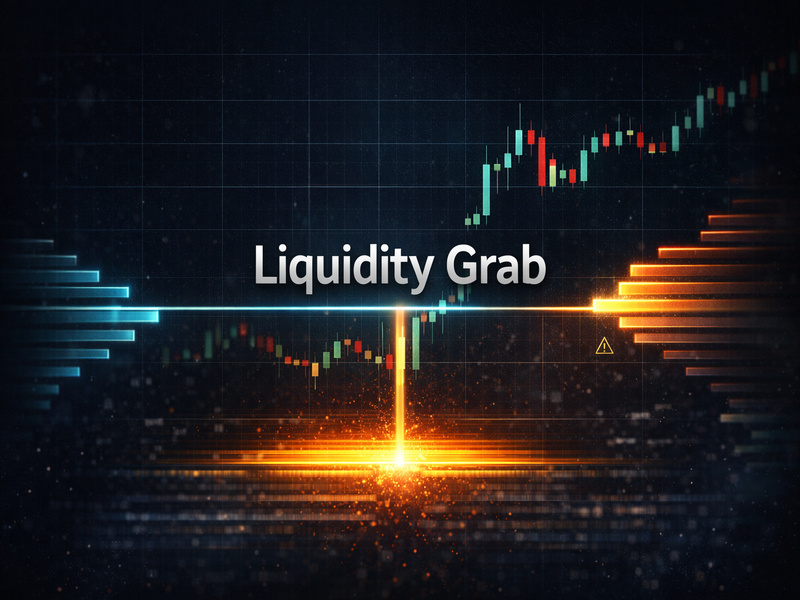
A practical breakdown of liquidity sweeps and liquidation cascades: what to watch in price and the order book, which co…
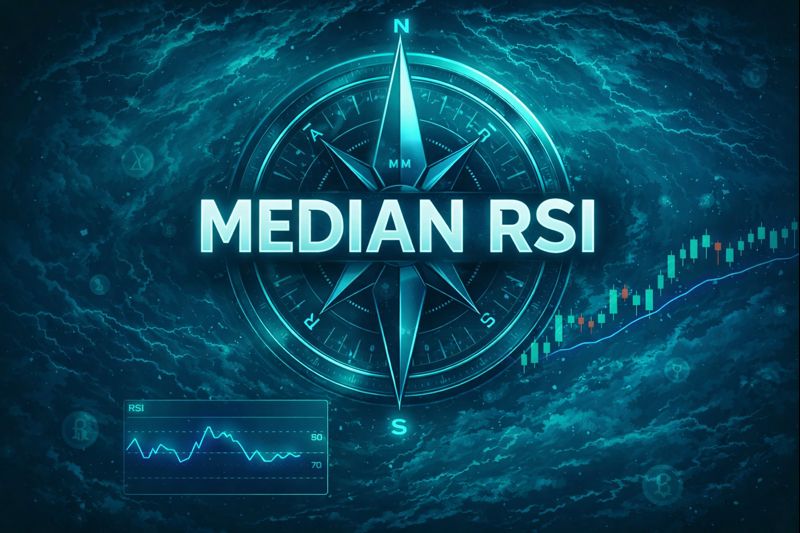
Median RSI captures the market’s 30m momentum “temperature” across most coins and helps you filter screener alerts by m…
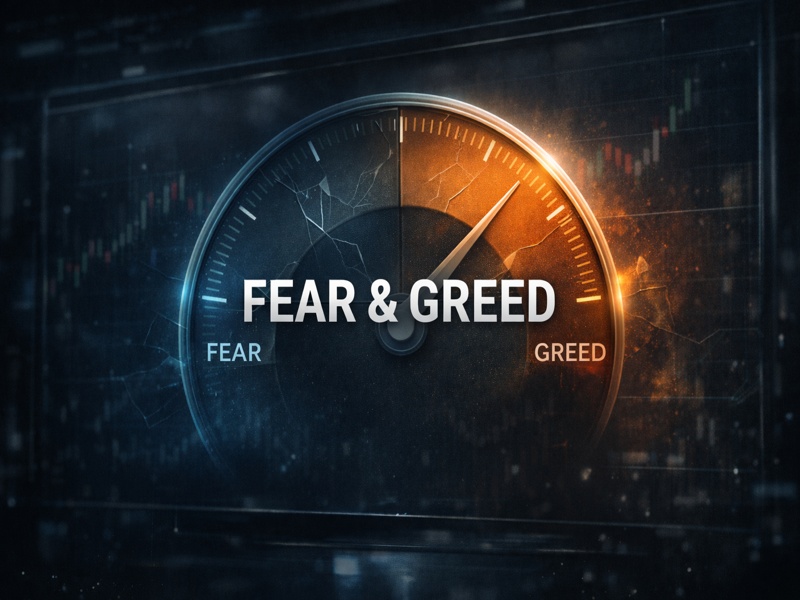
Fear & Greed is a regime gauge best used for risk filters and execution discipline, not as a standalone entry signal.

This article breaks down a market-wide crypto crash, explains its mechanics using derivatives and regression median ext…
Cryptocurrency screener
Cryptocurrency screeners are a practical tool for quickly finding market situations that match your conditions. Instead of manually scanning dozens of coins and futures, a trader gets a filtered shortlist by price, volume, open interest, and liquidations.
A real-time cryptocurrency screener scans the market and shows instruments where a noticeable change has already occurred. Such a crypto scanner reduces manual coin-by-coin review and leaves the trader with validating the found event on the chart.
On the Crypto-Resources platform, screeners are connected to trade execution: the selected ticker opens on the built-in chart, and order parameters can be prepared in the same window without a separate terminal or manual data transfer.
Market events
Conditions are configured for a specific task: scalping, intraday trading, or event-driven work. Each screener type covers a separate change in price or participant positioning.
Highlights coins with a sharp price rise over the selected time window and shows the size of the move.
Finds assets with a rapid price decline and helps separate a clear move from background volatility.
Tracks OI growth or decline and shows how the volume of open futures contracts is changing.
Records long and short liquidations, their notional size, and share relative to the instrument open interest.
Filters futures by funding rate and interval to show the imbalance between longs and shorts.
Price and volume
The pump and dump screener tracks coins with abnormal price changes over a short period. The move threshold and time window are set separately, so the same tool can be tuned for different trading scenarios.
Clicking a ticker opens the chart where you can check levels, market context, and prior coin behavior. A screener event is not a ready-made entry point: the decision is made after assessing the chart, liquidity, and risk.
Derivatives
Open Interest (OI) shows the number of open futures contracts. An Open Interest screener helps you see where participant positioning is changing and whether a price move is accompanied by position building or closing.
After an OI change, the trader checks price and volume on the chart and acts according to their trading plan.
Leveraged positions
The liquidation screener shows market events where the exchange forcibly closes leveraged positions. For each event it displays the ticker, direction, liquidation size, and its share of total OI.
Mass liquidations can accompany both slowdown and further acceleration. Direction cannot be determined from a single event: compare it with price, volume, open interest, and Funding Rate.
Practical use
Instead of dozens of exchange and analytics tabs — one panel with situations that match your conditions.
A screener searches for the same event types: pump, dump, OI spike, or liquidations. This supports rule-based work instead of random coin selection.
Conditions and alerts are configured in advance. After an event appears, the trader opens the chart, assesses context, and makes the decision independently.
Event, chart, execution
In Crypto-Resources, screeners are built into the trading workflow. The event, chart, and execution panel live in one interface, so instrument parameters do not need to be moved between services.
Choose the exchange, event type, change threshold, time window, and additional filters.
Check price and movement using Open Interest, Trades Volume, CVD, Funding Rate, Liquidations, and Premium Index.
Select the account, size, direction, and risk management parameters, then confirm the order.
Crypto-Resources
In Crypto-Resources, a found event is linked to the built-in chart and trading panel: data does not need to be transferred between separate services.
A pump, dump, OI, funding, or liquidation event brings the selected instrument to the chart and execution panel.
The exchange account connects via API without withdrawal permission. Assets stay on the exchange; no deposit transfer to the service is required.
For each trade you set order type, working size, take profit, stop loss, and trailing stop when needed.
Move threshold, time window, volume, and filters are set per screener, not as one universal list.
Screeners run online and show current market events tied to quotes and derivatives parameters.
Screeners work alongside Trap Radar, trading bots and the manual trading module.
Questions and answers
Free access
Explore public screeners, then register to configure conditions and filters for your tasks.