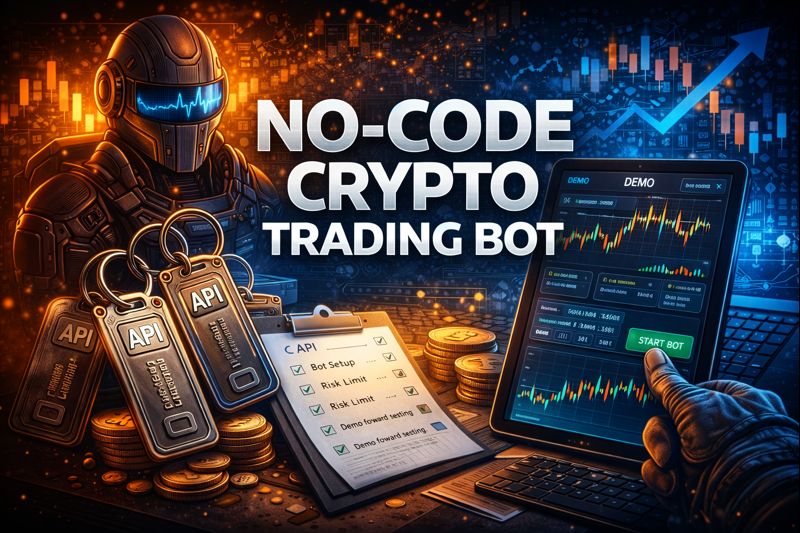
Algo trading in crypto doesn’t start with writing code. It starts with process: pick a proven logic, define risk limits, and validate execution. On crypto-resources.com, bots run locally on Windows or Linux, and the first validation step is Demo—with no risk to real funds.
Below is a practical workflow to launch a no-code trading bot in a way that looks like a real operation, not a guess.
What “no-code” means in practice
In algo trading, “no-code” usually means:
- you launch a ready algorithm and tune parameters and risk limits, or
- you use a rule builder instead of custom development.
For a clean start, the fastest path is a ready algorithm plus strict risk controls.
Step 1. Define the mission: spot long or futures automation
Be clear about what you automate:
- Spot bot (long) is typically trend-focused with moderate risk.
- Futures bot reacts faster and depends heavily on margin, fees, and funding.
The platform features strategies for both (including Spot-Bot, ST-Bot and ST12-Bot).
Step 2. Install the platform on Windows or Linux
This is not a cloud black box—bots run on your side, which improves control and privacy. There are dedicated manuals for Windows and Linux installation.
Operational basics:
- use a stable machine/server,
- ensure uptime and network stability,
- keep logs/alerts enabled from day one.

Step 3. Connect the exchange with Bybit demo API keys
Testing should be done on demo keys. The documentation includes steps for sub-accounts/API creation, and the platform promotes demo/paper-trading as the safe validation layer.
Process rules:
- API keys without withdrawal permissions,
- Demo first, live later with small size,
- tune only after baseline behavior is stable.

Step 4. Start from a ready configuration
The easiest no-code entry point is “Ready Bots”: a public showcase of strategies you can copy/export and run without sharing keys or personal data.
Run baseline first. Change one parameter at a time after that.
Step 5. Configure risk limits and filters before entry
In automation, conversion comes from protection:
- max open positions,
- sizing/risk limits,
- symbol allow/deny lists,
- quality filters (volume/token age),
- holding-condition filters for perps (including funding interval/rate constraints).
On crypto-resources.com screeners, global filters include min volume, min token age, and funding filters by interval and rate—the same mindset should be applied to bot workflows.

Step 6. Run Demo forward testing and measure control, not “a good day”
Demo is for verifying:
- order correctness (place/cancel/replace),
- margin behavior under spikes,
- stability during volatility and latency,
- real impact of fees and funding,
- risk limits triggering exactly as expected.
That’s why demo and paper trading sandbox are emphasized as the first step.

Common no-code bot mistakes
- going live without validating execution on demo,
- changing many parameters at once,
- trading everything without volume/age/holding filters,
- using tight margin on futures and “fixing it manually,”
- judging by PnL only while ignoring drawdown and margin pressure.
Conclusion
A no-code crypto trading bot is realistic when you follow a workflow: choose the strategy type, install the platform on Windows/Linux, connect Bybit demo API keys, start with a ready algorithm, set risk limits and filters, then validate everything in Demo before touching real money.
You’re welcome to test our trading bots for free and without risking real funds using demo API keys—bots are available immediately after registration and can be launched in Demo mode.